How To
How to install a plugin from our website
By ROGER
Published
Follow these simple directions to download a plugin into your rave7 system directly from the rave7 web site.
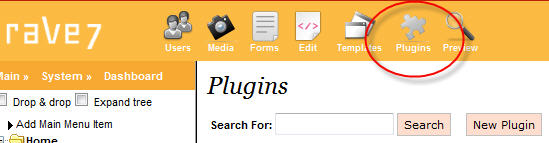
From the top of the "
Admin Console", click the "Plugins" icon:
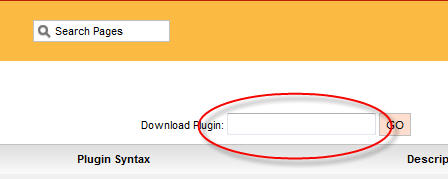
Enter the name of the plugin into the "
Download Plugin" text box and click GO. Do not enter a file extension, just the name of the plugin:
To include the plugin on a page, use the standard syntax:
[=plg_name=]


