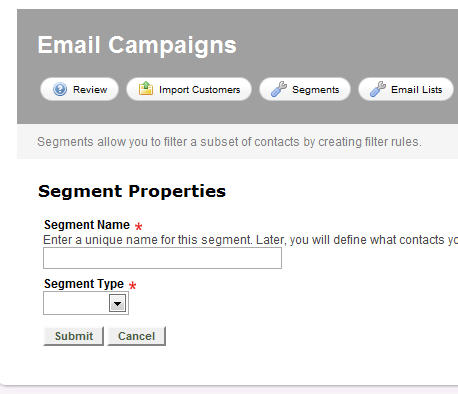
Next, specify a unique name for your segment, indicate the segment type.
The CRM area of rave7 uses 2 database. Once for customers and one for contacts as the system supports adding multiple contacts to one customer/account.
Select account if you want to filter records from the customer database.
Select contacts if you want to filter records from the contact database.
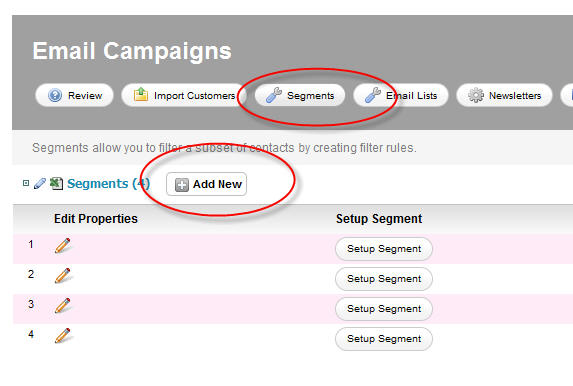
Once the segment is created, click the Setup Segment button to setup the segment filter:

Next, click the "Add New Rule" button to add a new rule/filter to the segment. You can add a many as you'd like. The you can indicate what field in the database you want to query from the "Field name" drop down box, and how you want to query that field using the "Operator" drop down box. Lastly, specify the value you are looking for in the "Field Value" text box.
Hint: For date field, you can enter 'x days ago' or 'x days from now' to query dates in the past or future.


